 How-to
How to Spot Quality Custom Prints Before You Buy
Last Updated: November 14, 2026
Quick Summary
To spot quality custom prints, check sharpness first, press the ink to confirm it sits on the fabric without crackling, stretch gently to see it flex with the weave, scan for gaps, and smell it. Online, look for real product photos, a named print method, and stated file specs like 300 ppi at final print size.
- Soft, fuzzy edges on fine lines and small text signal a poor print.
- A print-ready file needs roughly 300 ppi at final print size.
- Upscaling a low-res image does not add detail, it just blurs it.
- A safety margin of 1/16 inch inside the trim line prevents design cutoff.
- Wash printed clothing inside out in cold water and skip the dryer or use low heat.
Table of Contents
- How to Determine Print Quality: A Step-by-Step Inspection
- How to Spot Quality Custom Prints Online
- Custom T-Shirt Print Quality: What to Feel and See
- How to Care for Printed Clothing So the Design Lasts
- Frequently Asked Questions
How to Determine Print Quality: A Step-by-Step Inspection
Learning how to spot quality custom prints starts with your hands and eyes, not a spec sheet. Print-on-demand volume has grown quickly, and print quality can vary a lot from one shop to the next. At Siren & Ember, our apparel is printed to order.
- Check sharpness first. Look for soft, fuzzy edges on fine lines and small text.
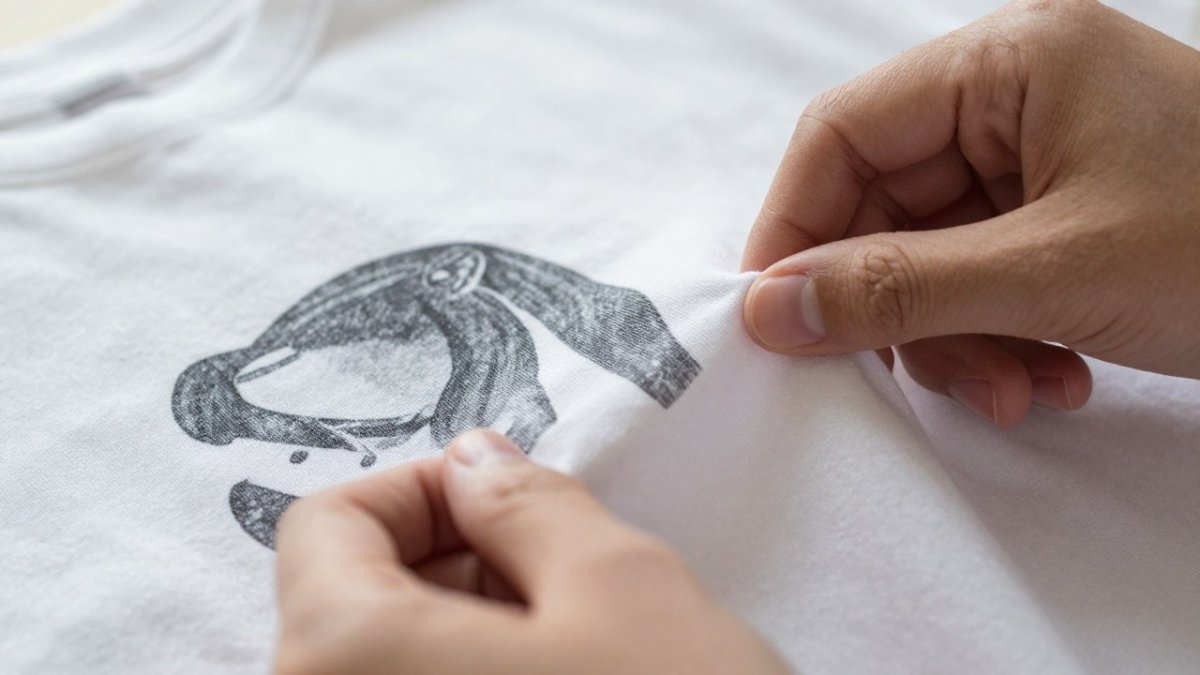
- Press the ink. It should sit on the fabric, not crackle under your thumb.
- Stretch gently. A good print flexes with the weave instead of splitting.
- Scan for gaps. Uneven patches or thin spots mean poor ink coverage.
- Smell it. Fresh plastisol has a faint odor; cured, quality prints should not.
Want to see print detail on a small item? Our kiss-cut stickers show how crisp edges should look up close.
Here's the quick inspection routine to run before you buy.
| Step | What to do | What to look for |
|---|---|---|
| 1 | Check sharpness first | Soft, fuzzy edges on fine lines and small text |
| 2 | Press the ink | Sits on the fabric, does not crackle |
| 3 | Stretch gently | Flexes with the weave instead of splitting |
| 4 | Scan for gaps | Uneven patches or thin spots mean poor coverage |
| 5 | Smell it | Cured quality prints should not smell |
How to Spot Quality Custom Prints Online
Spotting quality custom prints online comes down to one thing: does the listing show real product photos and real specs, or just a flat digital mockup? Read the listing like an inspector, not a shopper.
Start with the print method, because the method tells you what the print should look like up close. If a listing will not name the print method, you cannot judge the result, so look for it on any product you consider.
Then check the file specs the shop publishes. A print-ready file needs roughly 300 ppi at final print size; a 300 ppi image printed at twice its intended size is really 150 ppi and will look soft. Upscaling a low-res image does not add detail, it just blurs it. A safety margin of 1/16 inch inside the trim line is standard practice to prevent design cutoff (EXTERNAL_LINK: Avery printing setup guidance | avery.com). If a shop cannot tell you how it preps files, that is a red flag.
- Close-up photos of the actual print, not a flat digital mockup
- Stated garment brand and fabric content
- Print method named, whether screen printing or DTG
- A care label photo or care instructions listed
- Color registration shown on multi-color designs, so you can see whether the layers line up
Our Merry Mayhem cryptid Christmas tee lists the actual Bella Canvas 3001 specs right on the page, so you know what you are getting.
Custom T-Shirt Print Quality: What to Feel and See
Custom T-shirt print quality is a tactile thing. You can feel a bad print before you see it, and most guides stop at looking. Here is how to evaluate a print with your hands, and how the file behind it decides what you feel.
- Feel: smooth ink that moves with the fabric, no stiff plastic patch
- See: solid color with no banding or halftone dots visible at arm's length
- Stretch: gentle pull that does not crack the design
- Weight: ink that adds minimal bulk to the shirt
- Tooth: on paper goods, a slight surface texture that takes ink evenly rather than a slick, coated feel
Here is the mechanism behind the feel. Ink sits on top of the fabric weave, so a thick layer feels like a patch and a thin, well-cured layer flexes with the shirt. Fabric choice matters just as much: fabric content affects how ink feels, so the garment spec and the print method are worth checking together on any listing.
File preparation is the other half of what you feel. High-quality print files typically need 300 ppi at final print size (r/graphic_design discussion on print resolution(https://www.reddit.com/r/graphic_design/)). Upscaling a low-res image does not fix it. It just makes it blurry. If you are not a designer, the practical move is to supply the largest, cleanest original you have and let the shop tell you whether it clears 300 ppi at the size you ordered. A shop that asks about final print size before quoting is doing the file prep that protects the print.
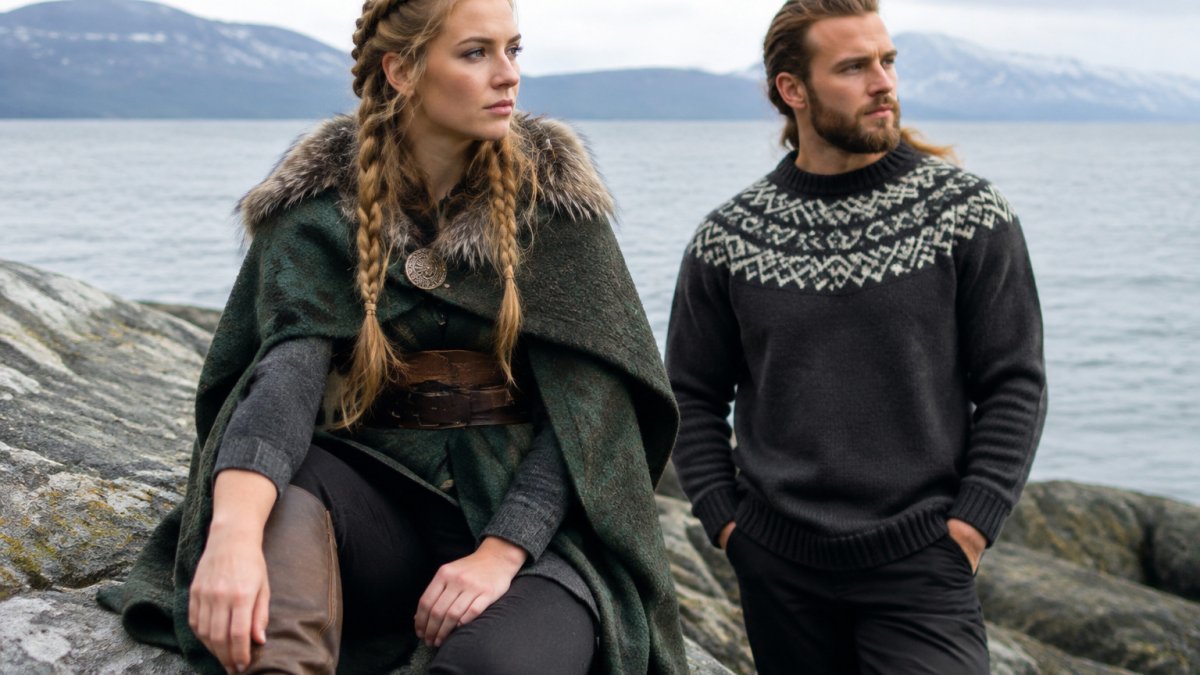
Our Unshaken / Unbroken Viking black tee runs XS to 5XL with real measurements listed, so you can check the fit before you commit.
How to Care for Printed Clothing So the Design Lasts
Caring for printed clothing is simple, but the garment care label always wins. Read it first, every time.
- Wash inside out in cold water
- Skip the dryer or use low heat
- Avoid ironing directly over the print
- Turn garments inside out before storing
We put together a full walkthrough in our guide on how to care for printed apparel, including fabric-specific tips.
Print quality is not luck. It is sharp edges, ink that moves with the fabric, and a shop that shows you real photos and real specs. Siren & Ember prints every piece to order, lists actual garment measurements, and names the real fabric and fit on each product page. From Viking legends to cryptid holiday tees, you get designs built for your untamed side. Get started with Siren & Ember and check the specs before you buy.
Frequently Asked Questions
What should I look for in a quality printed T-shirt?
Start with sharp edges and solid color coverage. A quality custom print holds fine detail without pixelation, and colors stay consistent across the design. Check that the ink sits smoothly on the fabric without cracking or flaking at the seams. For custom T-shirt print quality, also feel the print: it should flex with the fabric, not sit like a stiff patch. If you can see the fabric texture through the ink in a way that muddies the design, that is a warning sign.
Does a higher DPI always mean a better-quality print?
No. A higher DPI number does not fix a low-resolution source image. Upscaling a blurry file to 300 ppi or more often produces pixelation or soft edges rather than crisp detail. What matters is the original file resolution at final print size, typically 300 ppi for apparel. When you spot quality custom prints online, ask whether the design was created or supplied at the right size, not just what DPI label the listing shows.
How can I judge custom print quality from product photos?
Zoom in on the print area. Look for crisp edges on lettering, even color saturation, and no visible halftone dots or banding. Check whether the photo shows the print stretched on a body or flat, since flat shots hide cracking and distortion. If the listing only shows a mockup and no close-up, ask for a real photo. A brand that prints to order should be able to show you the actual ink on fabric, not just a digital preview.