 How-to
How to Spot AI Generated Art: A Practical Checklist
Last Updated: November 10, 2026
Quick Summary
To spot AI generated art, check hands, faces and anatomy for odd details, then look at lighting, textures, text and backgrounds. Trace the image's origin with a reverse image search and check the file's metadata. Treat detector results as hints, since no single clue proves anything.
- Count fingers and check joints, since hands and faces are classic weak spots.
- Check that shadows point the same way as the light source.
- Reverse image search the file to find the earliest source and its caption.
- Read the file's metadata and any content credentials, but note that many sites strip them.
- Treat AI detector scores as estimates that can flag human art or miss AI images.
Table of Contents
- Why Spotting AI Generated Art Is Harder Than It Looks
- Step 1: Check Hands, Faces and Anatomy for Inconsistencies
- Step 2: Look at Lighting, Textures, Backgrounds and Small Details
- Step 3: Verify Provenance and Use an AI Image Detector Carefully
- AI-Generated Art Examples and What Each Clue Tells You
- Choosing Your Verification Routine and Sharing Responsibly
- Frequently Asked Questions
Why Spotting AI Generated Art Is Harder Than It Looks
Spotting AI generated art is harder than most people expect. A 2026 testing claim reports that human accuracy at spotting AI-generated images has fallen to 38% with current models, though the methodology behind that figure is not described Morphed, AI Art Statistics: Creators, Market & Earnings. A separate report on high school students found that students identified AI-generated images with about 50% accuracy, which is roughly what guessing would produce N. Razak, High School Students' Identification and Perception of AI Art.
That does not mean looking is pointless. Some clues still show up, and a careful check helps. But no single clue proves anything. The studies we reviewed found that human-made images were more readily recognized as human-made, while AI images were often misclassified as human-made Interpretation of AI-Generated vs. Human-Made Images.
Treat this guide as a checklist of signals, not a verdict. Use the visual checks below together with context and source information, because a careful process is the best way to spot AI generated art. At Siren & Ember, we print our designs to order, and we would rather you ask about a piece's origins than take anyone's word for it.
Step 1: Check Hands, Faces and Anatomy for Inconsistencies
Hands, faces and bodies are the classic weak spots. Start here, and look for the small mistakes that add up.
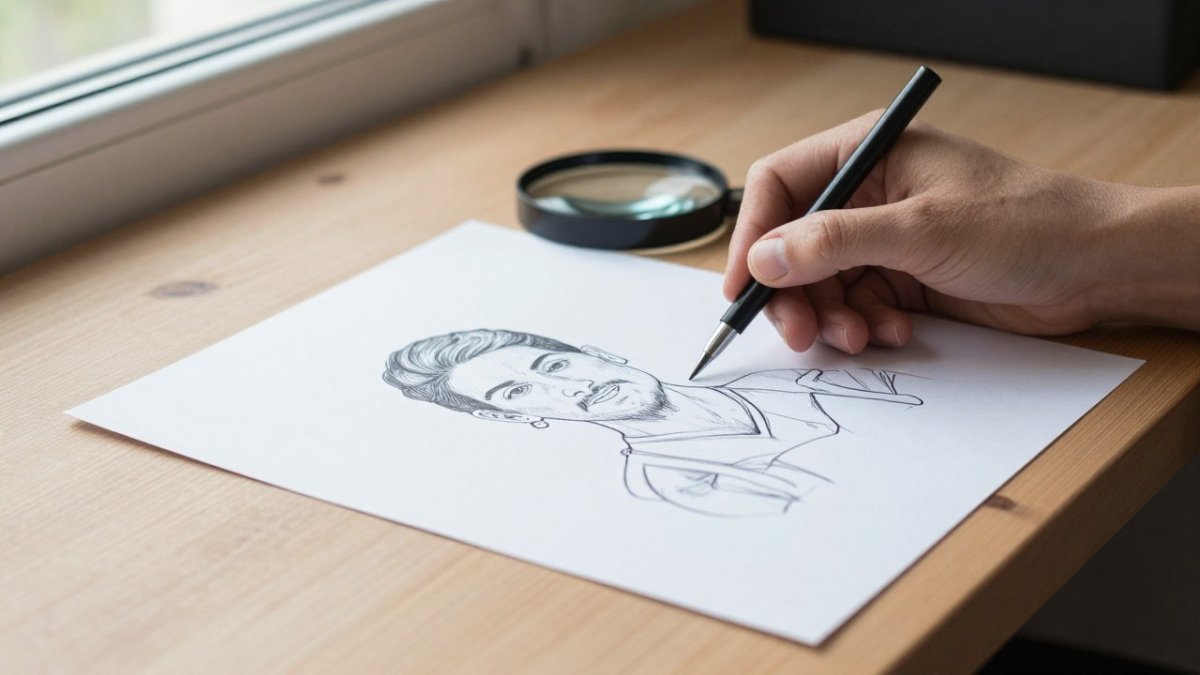
Look at the details first:
- Fingers: Count them. Check for extra, missing or fused digits, and joints that bend the wrong way.
- Faces: Check that eyes match in size and shape, and that earrings, glasses and teeth line up.
- Bodies: Look for limbs that merge into objects or clothing, and poses that seem physically hard to hold.
Strange skin is another clue. Surfaces can look too smooth, waxy or plastic, and freckles or wrinkles may appear in patterns that don't follow the face.
Keep the limits in mind. Stylized or painted art often exaggerates anatomy on purpose, and human artists make these mistakes too. Anatomy alone is a clue, not proof.
Step 2: Look at Lighting, Textures, Backgrounds and Small Details
Next, look at how the whole image holds together. Mistakes often hide in the parts people skip.
- Lighting and shadows: Check that every shadow points the same way as the light source. Watch for highlights that appear on the wrong side of an object.
- Textures: Look at fabric, metal, wood and hair. Repeating patterns or surfaces that blur into each other can be a warning sign.
- Backgrounds: Text on signs, windows, and objects in the distance often turn into unreadable shapes. Buildings may bend or lean in ways that don't line up.
- Small objects: Jewelry, buttons, cutlery and repeated items may differ from one copy to the next or melt into their surroundings.
- Flowers and foliage: Petals and leaves may look unclear, or grow in odd arrangements.
- Stray marks: Look for floating specks, smudges or dots that serve no purpose in the scene.
Remember that editing changes these clues. Cropping, resizing, heavy compression or upscaling can hide artifacts, or create new ones. An image that has been edited several times may show fewer signs either way.
Step 3: Verify Provenance and Use an AI Image Detector Carefully
Visual checks give you a hunch. Provenance and detector results give you something you can actually check, though each has its own blind spots.
Start with a reverse image search. Upload the image to a tool such as Google Lens, TinEye, or Bing Visual Search and look at the earliest matches.
Next, check the file itself. Open the image properties or metadata panel and look for creation software, camera information, or editing history. Some generators and editors write this data, and some platforms preserve it. Many sites strip metadata on upload, so an empty result tells you little.
Editing changes all of these signals. Cropping, resizing, heavy JPEG compression, screenshotting, and upscaling can remove metadata, blur the artifacts you were looking for, or introduce new ones. A heavily edited image may look clean whether or not it began as AI output.
AI image detectors are the last step, not the first. They estimate the likelihood that pixel patterns resemble those from generative models. Keep these limits in mind:
- False positives: human-made art, especially digitally painted or heavily filtered work, can be flagged as AI.
- False negatives: AI images that were compressed, cropped, or edited may pass as human-made.
- Scores are estimates: a result of 80 percent is not the same as proof, and tools differ in how they calibrate.
Watch out: running the same image through two detectors and getting different answers is normal, and it means the evidence is still uncertain.
A practical rule is to act only when the three sources agree or when your confidence is high after weighing them. If provenance is unknown, the visual clues are mixed, and the detector is split, record the result as unclear. That is an honest answer, and it is more useful to the people you share it with than a confident guess.
AI-Generated Art Examples and What Each Clue Tells You
Here is how the clues from each step tend to appear in practice. Use this table as a quick reference, not a rulebook.
| Clue | What You Might See | How Strong It Is |
|---|---|---|
| Anatomy errors | Extra fingers, fused limbs | Moderate, since artists also make these |
| Lighting mismatch | Shadows pointing different ways | Moderate, depends on the scene |
| Garbled text | Unreadable signs or lettering | Stronger, but edits can blur it |
| Repeated objects | Identical items that differ slightly | Moderate |
| Missing provenance | No earlier source found | Weak alone |
| Detector flag | Tool says "likely AI" | Weakest, since it is only an estimate |
Clues that appear together carry more weight than any single one. A piece with garbled text, mismatched shadows and no traceable origin deserves more scrutiny than a piece with one odd finger.
Designs on apparel are a good place to practice. Some of our designs use AI-assisted artwork, so we would rather you know that than guess.
Choosing Your Verification Routine and Sharing Responsibly
No single check settles the question, so build a routine that weighs several kinds of evidence and records how confident you are at each step.
A workable order looks like this:
- Read the visual clues first. Anatomy, lighting, text, and small objects tell you whether something is worth a closer look. They are weak evidence on their own, because human artists make the same mistakes and editing can remove them.
- Trace the provenance. Search for the earliest version of the image and note where it first appeared and with what caption or context. A picture that first surfaces on a stock or artist portfolio page with a dated upload is different from one that appears with no source at all.
- Check for content credentials. If the file carries provenance or signed credential data, read it. Missing credentials are not proof of AI use, since most files lose metadata when they are downloaded, screenshotted, or re-saved.
- Run a detector last, and treat it as a hint. Detectors estimate likelihood from pixel patterns. They can flag human work as AI and miss AI work after compression or editing, so a result should never be the only thing you rely on.
- Write down your confidence before you decide. A simple note such as "visual clues mixed, source unknown, detector says likely AI, confidence low" keeps you honest and makes it easier to revise later.
Watch out: a detector score that agrees with your gut feeling can feel like confirmation, but two weak signals that point the same way are still weak signals.
When you share a concern, match your language to your evidence. Asking a question is almost always the right opening move. Something like "I'm not sure this is human-made, does anyone know the original source?" invites the people who know more to respond.
It also helps to keep three categories apart. A fully generated image is made from a prompt with little or no human painting or drawing. An AI-assisted piece involves a human who used generative tools for some steps, such as background fill, texture generation, or upscaling. Traditionally made art was created by hand or with conventional digital tools.
At Siren & Ember, some of our printed-to-order designs use AI-assisted artwork, and we would rather you ask us directly about how a specific design was made than guess from the image alone.
Frequently Asked Questions
Can you tell if art is made by AI?
Sometimes, but not reliably by looking alone. Common clues include mangled hands, uneven earrings, inconsistent lighting and garbled text in the background. Treat visual clues as a reason to look closer, then check provenance and context before drawing a conclusion.
How do you spot an AI-generated image?
Start by zooming in on hands, teeth, eyes, jewelry and repeated patterns, since these are where generators often slip. Next, check whether lighting and shadows agree across the scene and whether background objects stay coherent at the edges. Then run a reverse image search to find the earliest appearance of the file. No single clue is proof, so combine several signals before deciding.
Are AI image detectors reliable?
AI image detectors can be useful, but their output is an estimate rather than proof of origin. Pixel-analysis tools guess whether an image is AI-generated, and they can produce false positives on human work and false negatives on newer models. Use a detector result as one input alongside visual inspection and provenance, and never as the sole basis for accusing an artist.
Can AI-generated art have a human artist's signature?
Yes. A signature is easy to add to any image, including one made by a generator or edited afterward. A signature therefore tells you who claims the work, not how it was made. Check whether the artist has a consistent body of work, a process they will explain, and content credentials or original file history where available.